
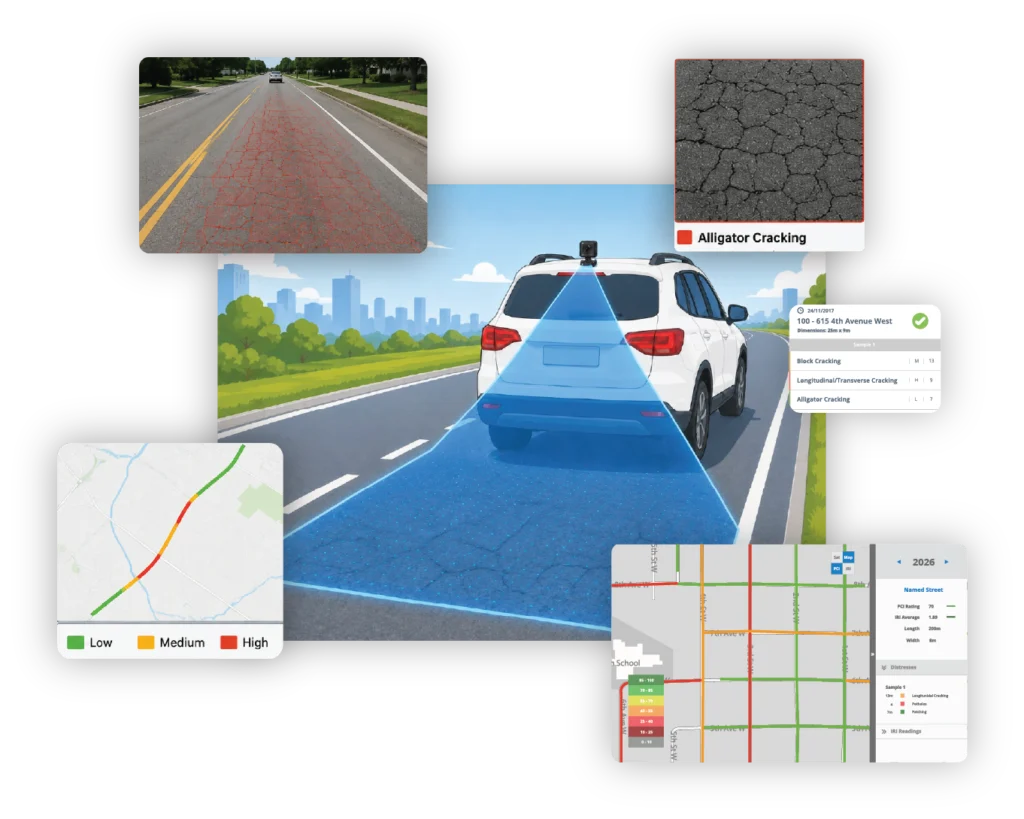
Turn roadway video into PCI and distress data
TotalPave processes imagery you collect with low-cost cameras into PCI scores and distress-level detail following various standards including ASTM D6433, PASER-style numerical ratings, or MTO SP. Results are posted directly to your web portal.
Replace walking surveys with drive-through collection
Record the network from a moving vehicle and let TotalPave handle the detailed pavement review. This reduces the trained field time required to complete a network-level assessment.
Low-cost equipment
Collect with a GoPro or smartphone camera mounted to the vehicle.
Reduce field inspection time
Receive distress-level detail
Follow standard PCI outputs
Receive results structured around ASTM D6433, PASER-style, or MTO SP pavement condition methodologies.
Keep a visual road record
Move directly to the portal
From roadway imagery to PCI results in four steps
Set the camera, drive the required routes, transfer the footage, and review the completed condition dataset online.
Mount
Secure a GPS-enabled camera to the vehicle centered on the lane and aimed toward the pavement.
Capture
Record continuous, clear roadway video by direction in daylight on dry pavement.
Transfer
Submit the raw video and optional GIS data or route reference files to TotalPave.
Review
TotalPave processes the imagery and posts PCI and distress results to your web portal.
What SurfaceView can process
SurfaceView is structured around georeferenced imagery and the pavement condition methodology selected for the project.
Georeferenced video input
Full-lane assessment
Distress-level processing
Standard PCI outputs
Receive results aligned with the pavement condition methodology selected for the project.
Direction-based collection
Section-level delivery
Results are assigned to the project road sections so the dataset can be mapped, reviewed, compared, and exported consistently.
Move from the network overview to the supporting evidence
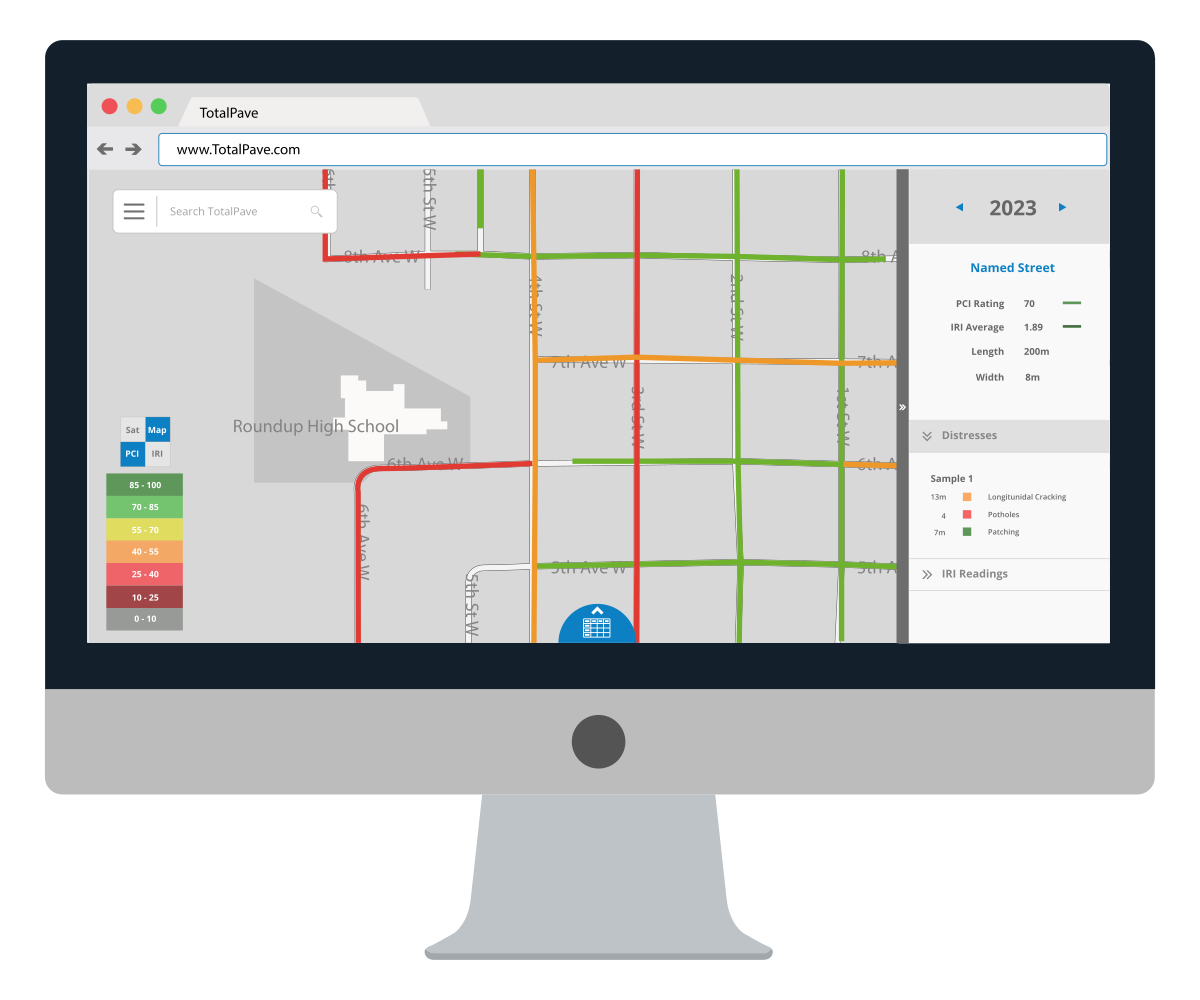
Color-coded PCI map layers
View processed PCI results as color-coded road sections on the TotalPave map. Select individual sections to review condition scores and the distress information identified from the collected imagery.
Distress tables and exports
Search, filter, and export SurfaceView PCI results for spreadsheets, GIS, reports, and pavement management. Detailed outputs provide the distress-level information behind the section scores.
Network condition summaries
Use network summaries and condition distributions to understand overall pavement needs, communicate results, compare collection years, and support maintenance planning.
WHO IS IT FOR
For teams that need PCI without building a survey operation
Built for teams that want an easier way to update pavement condition data using roadway video, not dedicated inspectors or heavy field workflows.

NETWORK REFRESHES
Asset Management
Refresh an aging condition dataset or establish a new baseline without assigning staff to walk the entire network.

CLIENT PROJECTS
Consultants
Add imagery backed PCI results to pavement assessment deliverables and keep a visual record that supports client review.

RESEARCH AND PILOTS
Special Projects
Assess campuses, remote routes, pilot areas, or before-and-after conditions where a full survey vehicle is impractical.
BIKE PATHS
Active Transportation
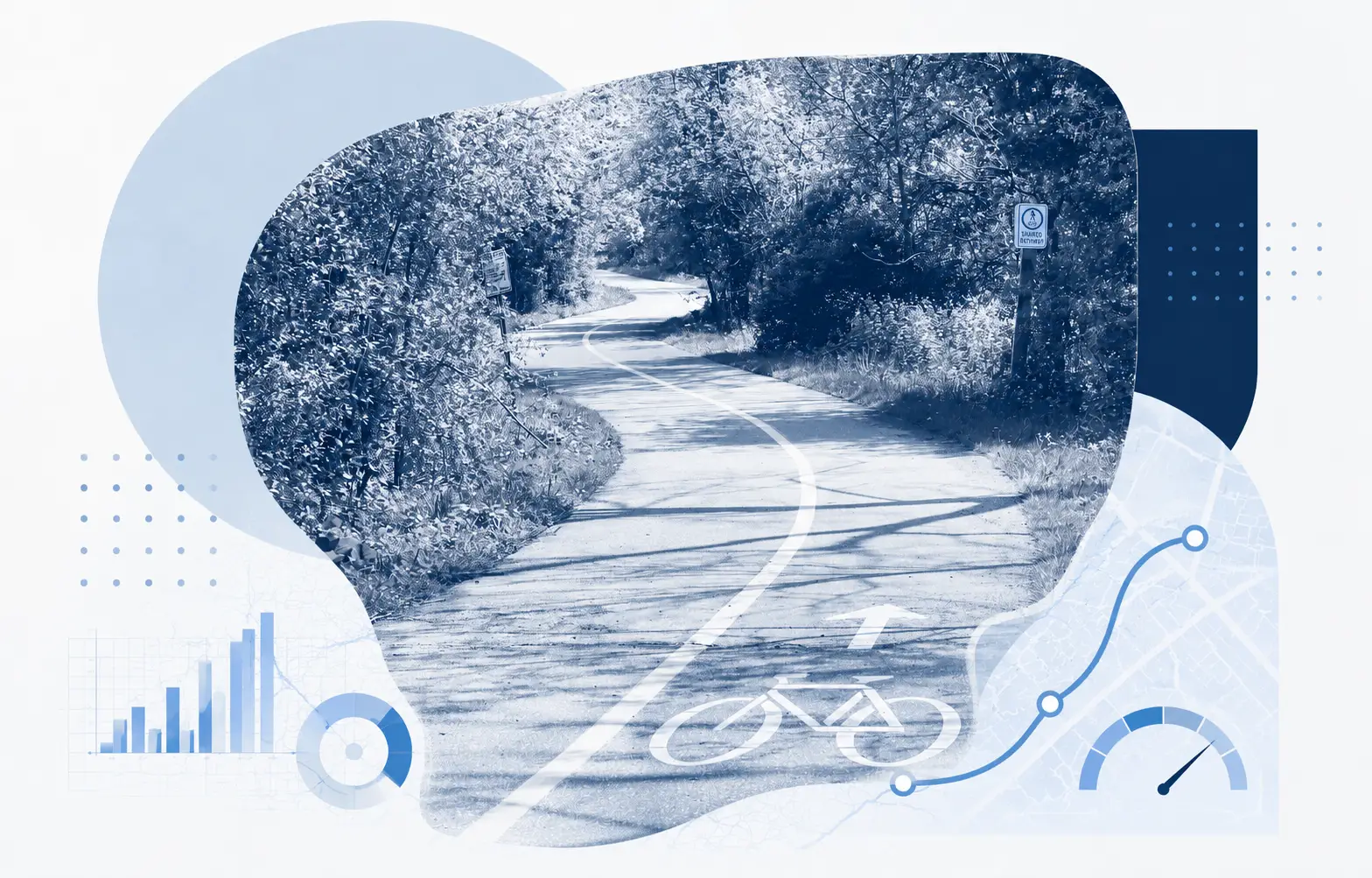
Capture video of bike paths and shared use routes, then convert the imagery into mapped condition outputs.
SurfaceView PCI FAQs
Answers to common questions about cameras, mounting, weather, collection coverage, processing, and outputs.
What camera equipment is required?
A GoPro or equivalent camera is required, with 4K recommended, GPS enabled, and a rigid exterior vehicle mount positioned high on the rear or roof.
Can our own staff collect the imagery?
Yes. Client staff can collect the roadway footage when the camera setup, coverage, weather, and route requirements are followed.
How should the camera be mounted?
The camera should be centered on the lane, aimed downward and slightly backward, and positioned so the full lane width is visible.
What collection conditions are required?
Collect during daylight on dry pavement with a clean lens and unobstructed view. Avoid rain, standing water, excessive glare, and heavy shadows where possible.
How should roadway sections be recorded?
Record continuously through each roadway section by direction and provide available KMZ, KML, GPX, or other route-reference files.
What outputs do we receive?
SurfaceView produces mapped PCI scores and individual distress data in the TotalPave web portal, with tables and export options.
Do we need a specialized survey vehicle?
No specialized survey vehicle is required, but the camera must be rigidly mounted and the imagery must meet the stated coverage and quality requirements.
See how SurfaceView PCI Can work for you
Get a live overview of the SurfaceView workflow, imagery collection requirements, portal outputs, and how it can fit your road condition assessment process.
What happens next?
After you submit the form, we will review your road network requirements and follow up with the best next steps for your team.
Get a quote or demo
Tell us about your road network or project and we will help identify the simplest way to collect PCI data.