
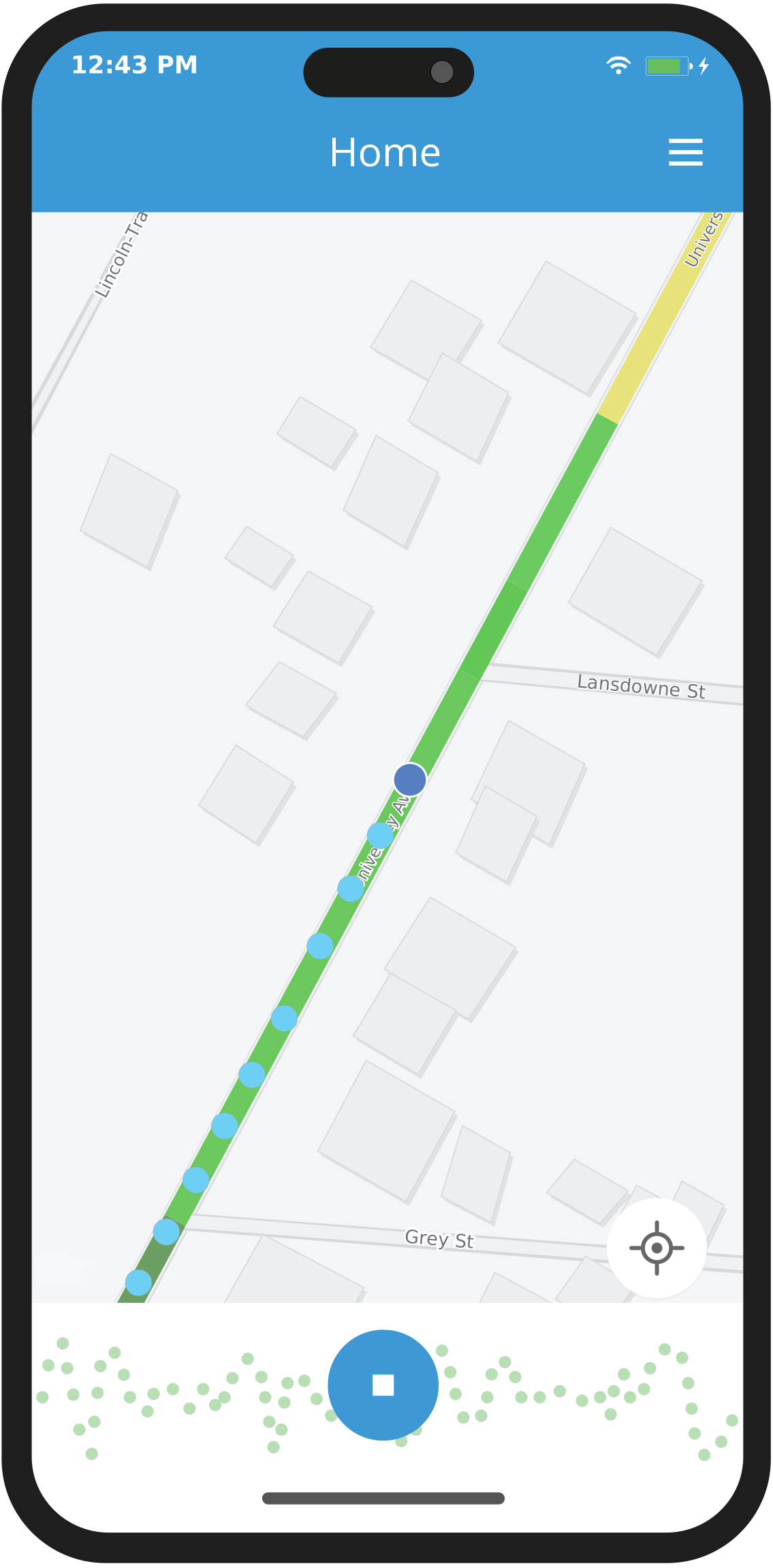
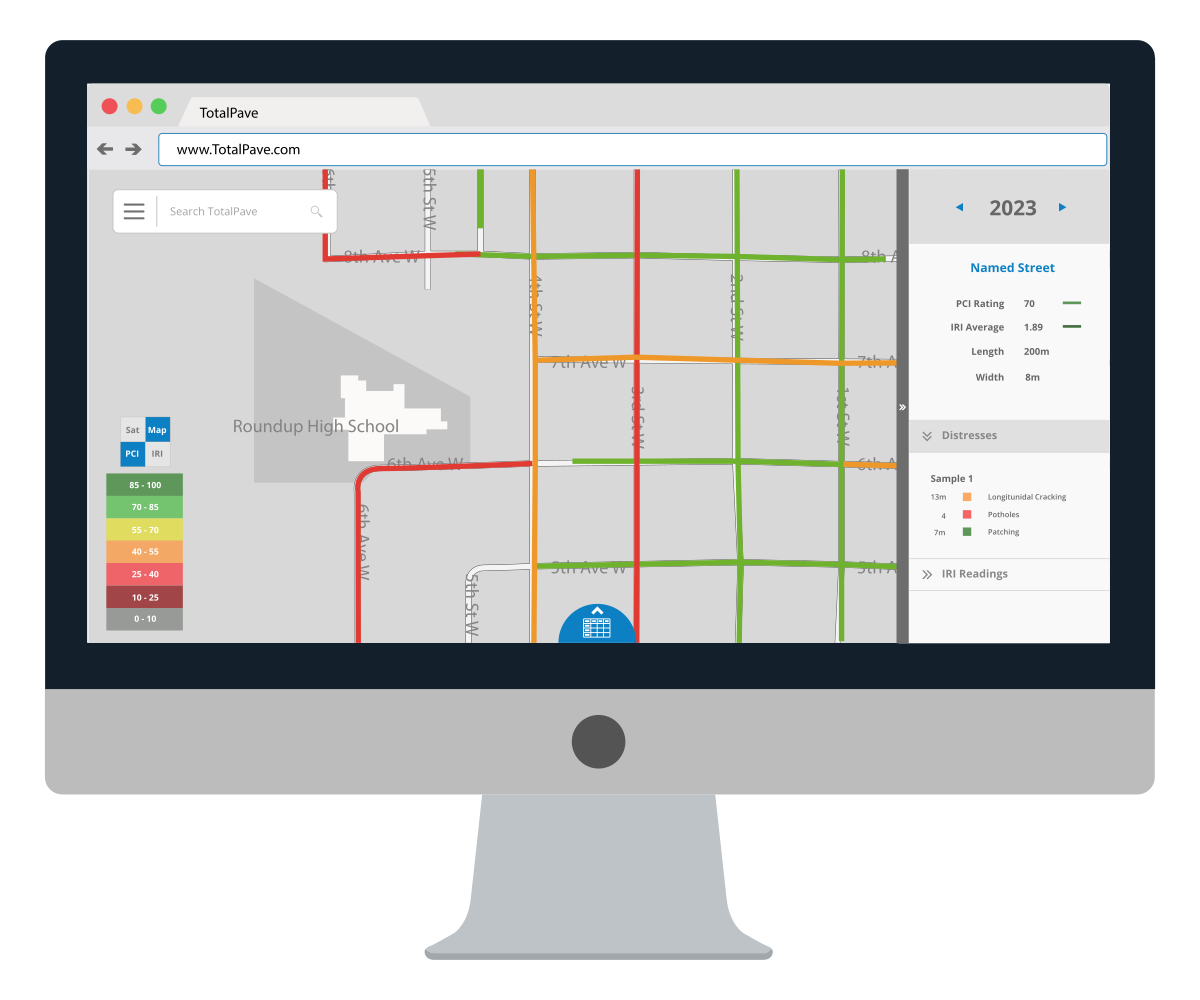
Collect IRI with the phone in your pocket
Mount your phone and drive. Collecting IRI with TotalPave is simple. Review color-coded segment results in the TotalPave web portal for mapping, reporting, and planning.
Reliable roughness data without complicated collection workflows
Use existing vehicles and staff to collect IRI instead of waiting for a specialized survey cycle.
Collect with everyday field equipment
Use any vehicle, smartphone, and sturdy windshield mount rather than a dedicated road survey vehicle.
Collect more often
Update roughness data when conditions, projects, or planning cycles require it instead of relying only on infrequent network-wide surveys.
Turn each drive into section results
Upload completed logs for processing against your mapped road sections or configured project intervals.
Bring results into existing workflows
Use maps, tables, summaries, and exports in GIS, reports, pavement planning, and project discussions.
Compare roughness data over time
Repeat the same routes and to monitor changes in roughness between surveys or project stages.
Keep field work simple
Simple Setup in under 5 minutes
The app records the sensor, speed, and location information needed for processing while the user focuses on driving.
Mount
Secure the phone in a sturdy windshield mount before collection.
Level
Use the in-app level tool to fine tune the phone’s orientation.
Drive
Press start, drive the target roads. You focus on driving, the app does everything else.
Upload
Upload logs and results are automatically mapped on the portal.
Everything needed for practical IRI collection
The app combines smartphone sensors, GPS, speed checks, route context, and log notes so each run can be processed and interpreted correctly.
IRI measurement
Route-based collection
Segment-level results
Speed-aware workflow
Slow Mode filtering automatically keeps low-speed data from distorting results.
Repeatable monitoring
IRI log notes
Review roughness from network scale to individual segments
Color-coded map layers
Display IRI results visually across the road network using clear condition categories. Roads are mapped by segment so teams can quickly identify rough areas, compare conditions across different streets, and focus attention on the sections that need a closer review.
IRI table and exports
Review IRI records in a searchable table and export the data for reporting, GIS use, or further analysis. This makes it easy to filter results by street, section, year, or condition category, then move the data into spreadsheets, maps, reports, or other pavement management workflows.
Dashboard summaries
Use high-level statistics and distribution views to summarize network condition. Dashboard summaries help communicate overall roughness trends, compare results across collection years, and give decision makers a clearer picture of how road conditions are changing over time.
WHO IS IT FOR
From network surveys to project checks, IRI data where you need it
TotalPave IRI makes it easy to collect repeatable roughness data with a smartphone across road networks, paving projects, haul roads, active transportation routes, and focused studies.
NETWORK PLANNING
Asset Management
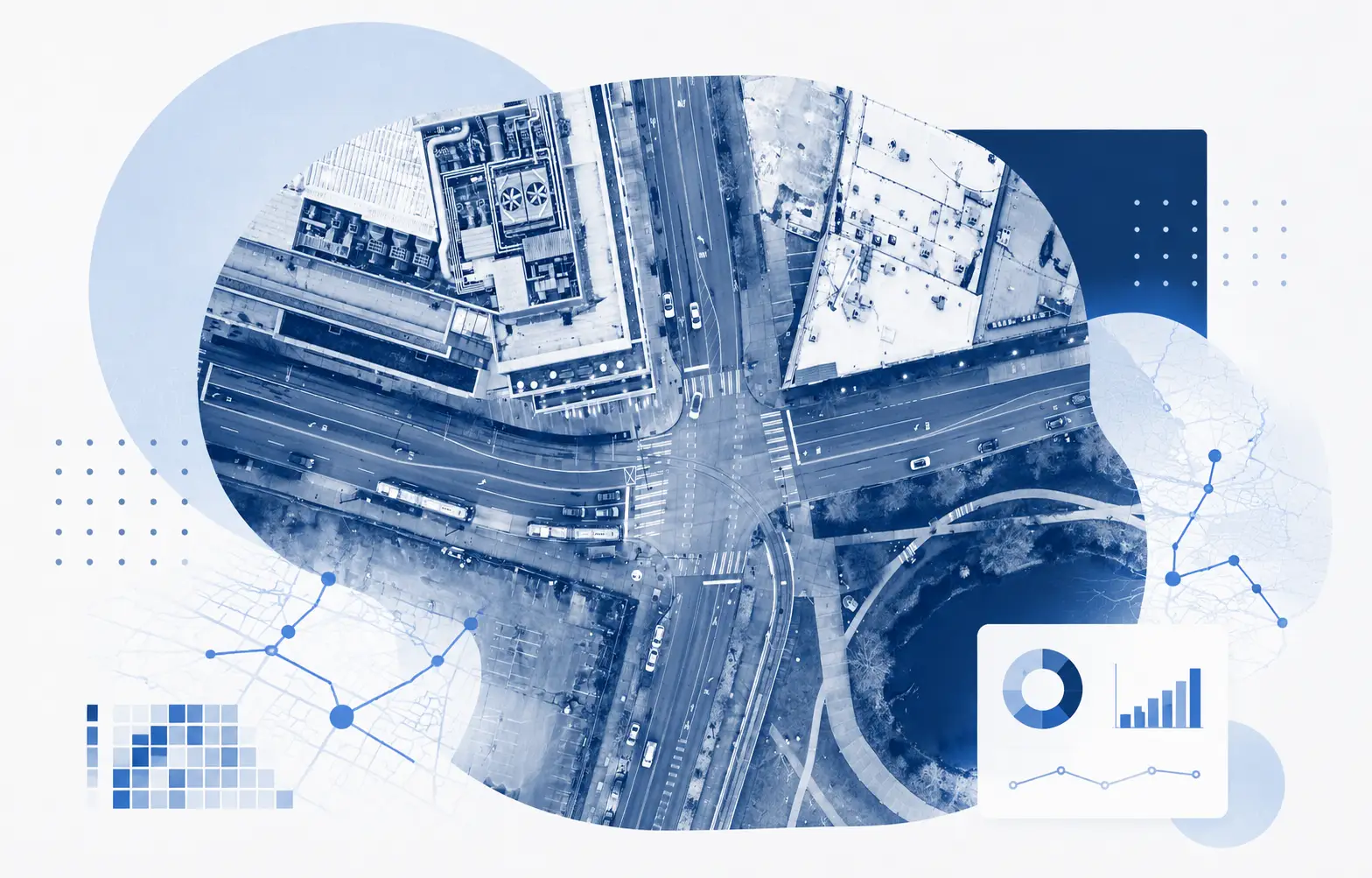
Collect repeatable IRI across mapped road sections, track roughness over time, and support pavement planning with objective data.

SMOOTHNESS CHECKS
Paving Contractors
Run roughness checks during or after paving, compare repeat passes, and identify smoothness issues before closeout.
OPERATIONS
Resource Haul Roads
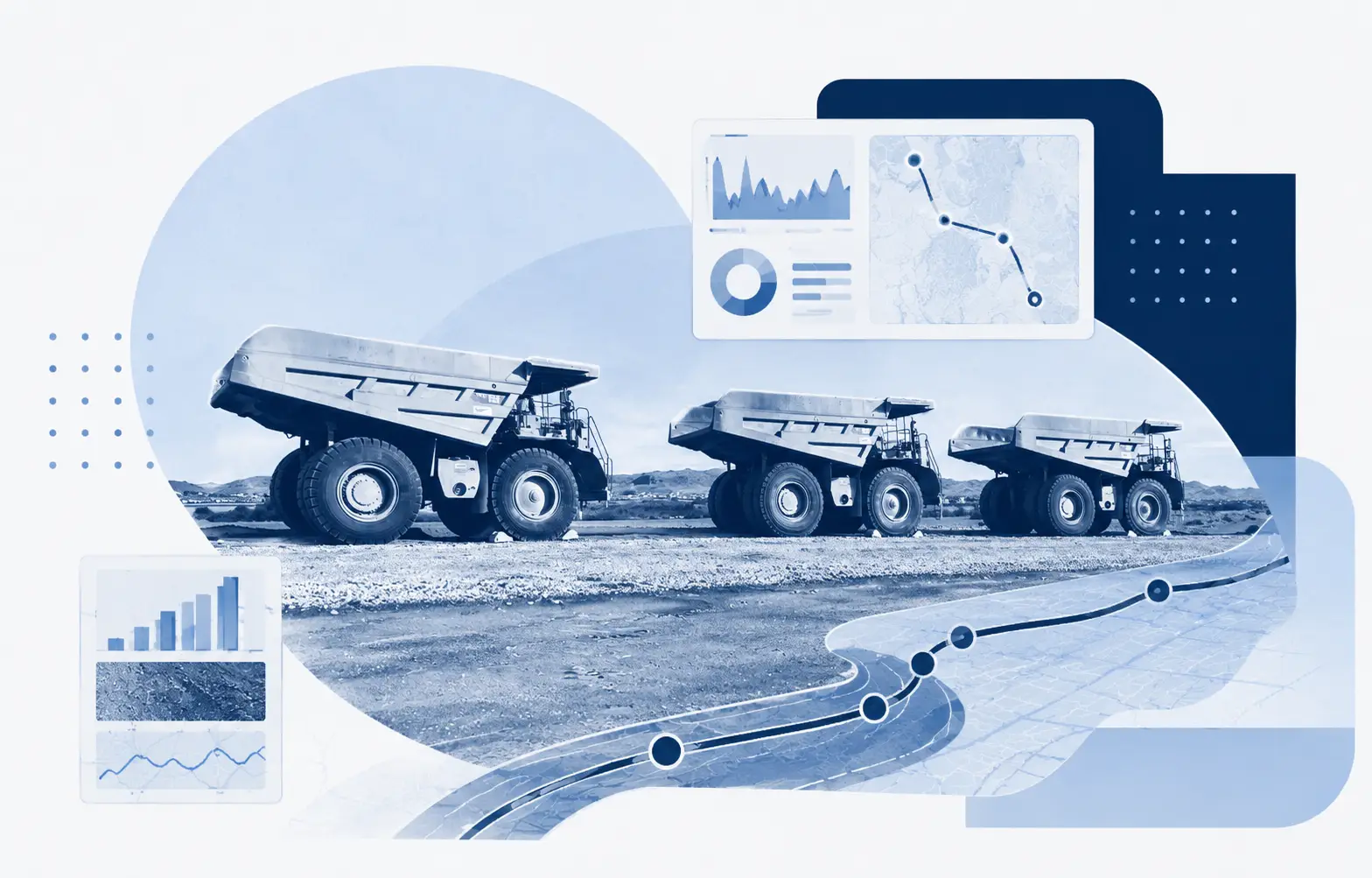
Monitor industrial, forestry, mining, or access roads frequently so poor road conditions don't turn into downtime, safety risks, or higher equipment wear.
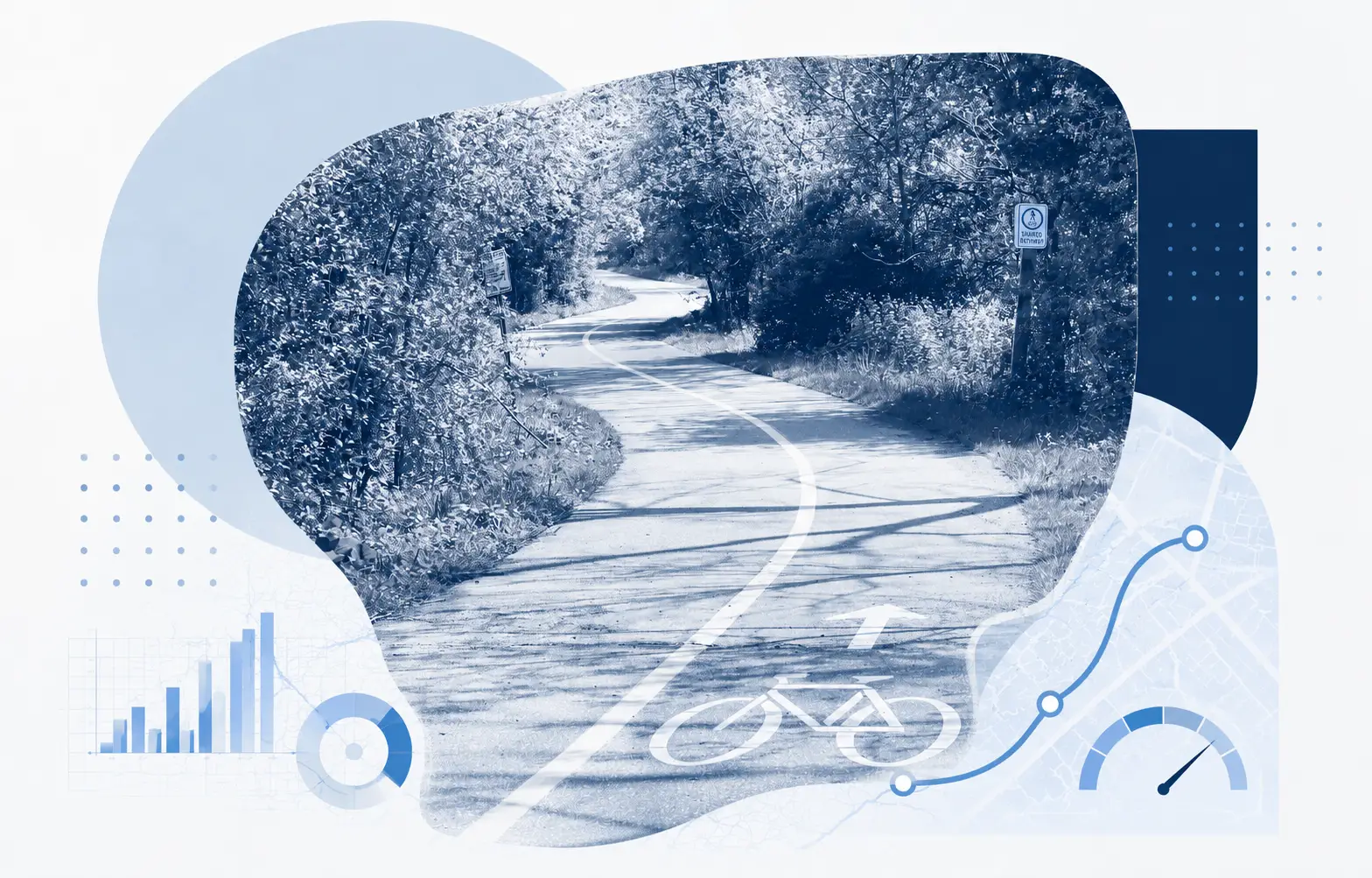
BIKE PATHS
Active Transportation
Mount the phone to a bike or e-bike and collect ride quality data on paths, trails, shoulders, and shared use routes.
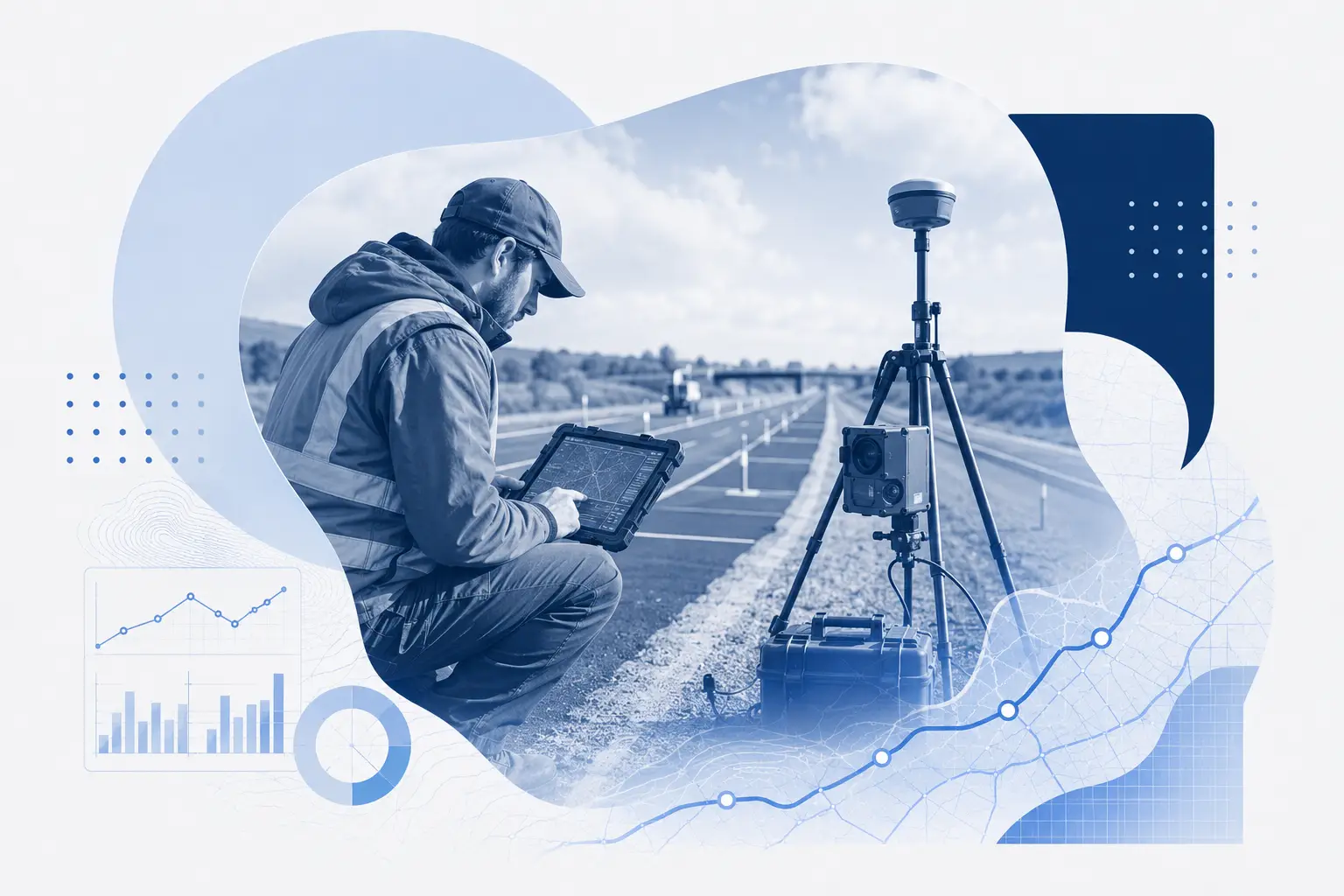
RESEARCH AND PILOTS
Special Projects
Use smartphone IRI for pilots, research, airports, campuses, closed facilities, and before/after studies.
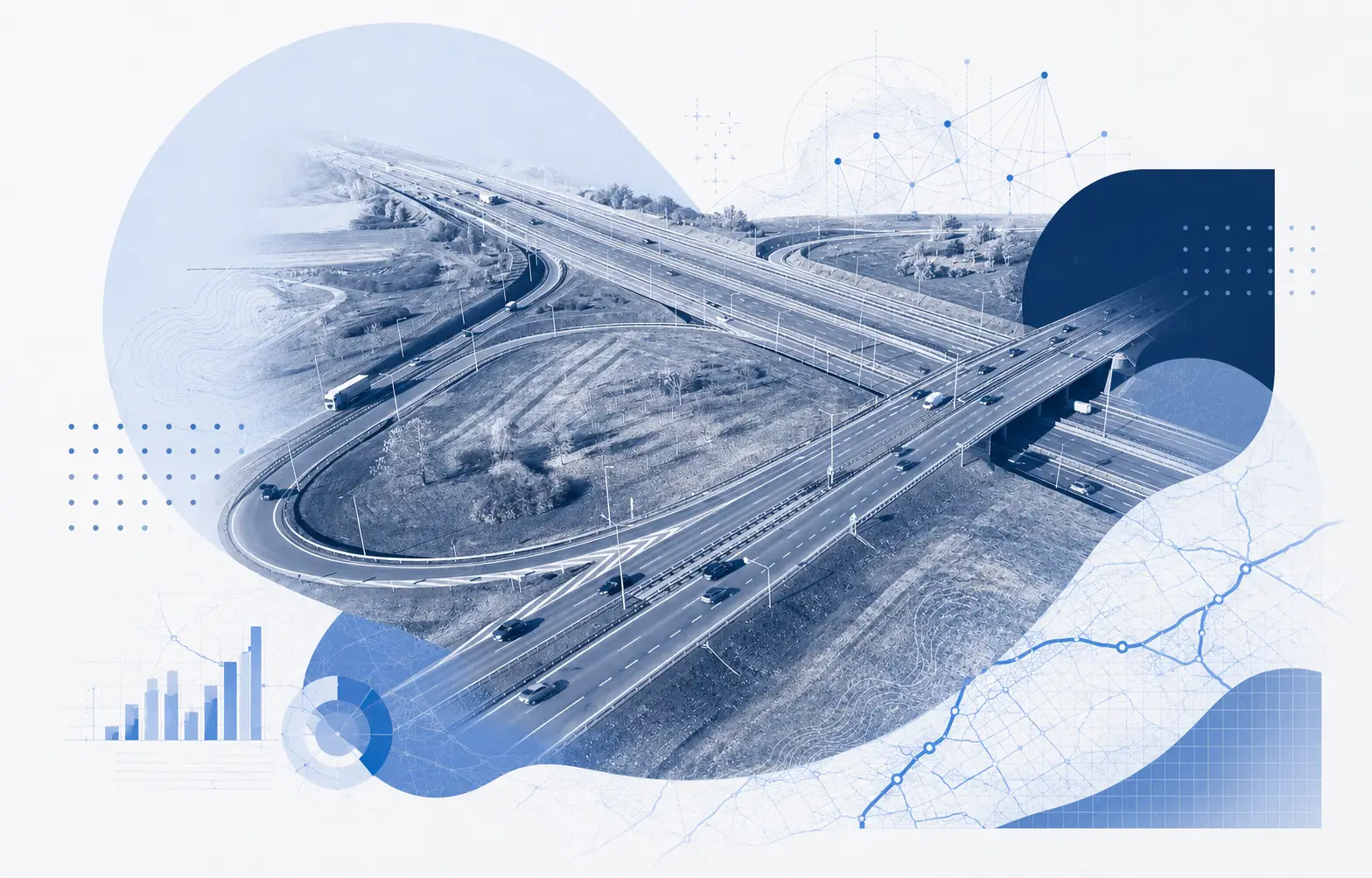
CLIENT PROJECTS
Consultants
Collect project level IRI for client networks, comparison studies, and pavement assessments with mapped results and exportable data.
TotalPave IRI FAQs
Answers to the common setup, collection, export, and planning questions.
Do we need special equipment?
No. The recommended setup is a smartphone with the TotalPave IRI app, a vehicle in good working condition, and a sturdy windshield mount.
Can our own staff collect the data?
Yes. TotalPave IRI is designed so municipal staff, consultants, or contractors can collect roughness data using a simple app workflow.
What does the app record?
The app logs smartphone sensor and location data while driving. Uploaded logs are processed to calculate IRI values for the target road sections.
What speed should we collect at?
IRI collection is designed to operate above 20 km/h or 12 mph.
What happens when the vehicle slows down?
The app tracks speed and automatically enters Slow Mode which filters out data collected below the speed threshold so low-speed parts of a log do not distort the IRI calculation.
Can I export the data?
Yes. IRI data can be exported for spreadsheet, GIS, reporting, and pavement management workflows.
Does this replacing a Class 1 profiler?
No. TotalPave IRI is a practical Class 3 collection option for network surveys, screening, repeat monitoring, planning, and project review. A Class 1 profiler may still be required when a contract, specification, or formal acceptance process calls for one.
See how TotalPave IRI Can work for you
Get a live overview of the IRI app, collection workflow, portal outputs, and how it can fit your road condition assessment process.
What happens next?
After you submit the form, we will review your road network requirements and follow up with the best next steps for your team.